
A counter terminal takes more punishment than any other device in a café. Here is what to check before you choose one.
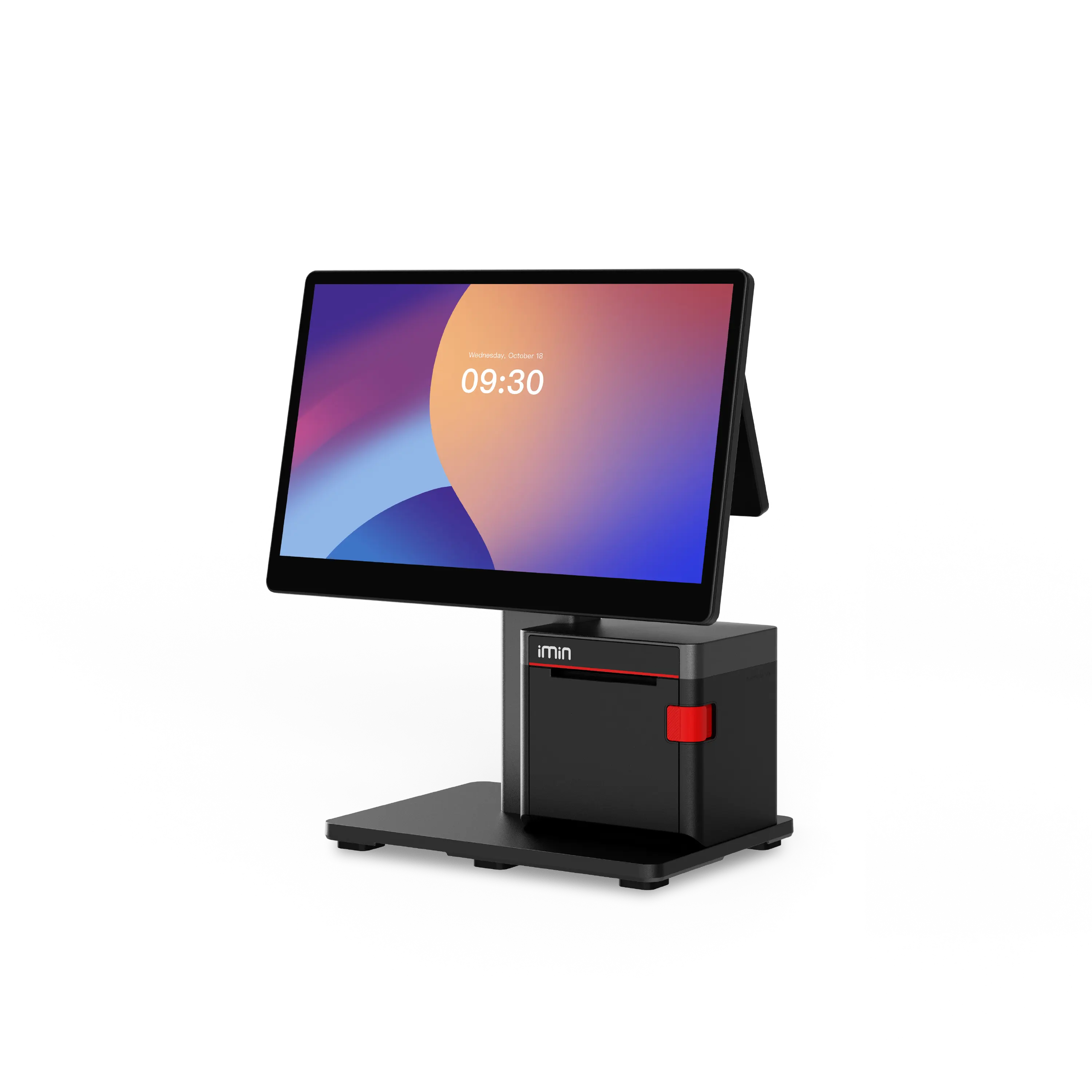
The counter terminal is the busiest device in a café. It takes every order, prints every receipt and gets wiped down a hundred times a day. Choosing well means looking past the spec sheet and asking how it will be used at 8am on a Saturday.
Most cafés need three things at the counter: a screen big enough to find items quickly, a receipt printer that does not slow the queue, and a way to take card and contactless payments. A 15.6 inch Full HD touchscreen is a comfortable size for a busy menu. A built-in printer keeps the counter tidy because there is one less box and one less cable.
Built-in printers suit most counters. Our recommended setup is the Swan 2 with a built-in printer, which includes NFC on every printer model. If you already own a receipt printer or want to place it elsewhere, the no-printer version runs the same platform.
A second screen lets customers check their order and see promotions and loyalty prompts as you ring items through. It is optional, and most small cafés start without one. The Swan range lets you add a 10.1 inch or 15.6 inch customer display later.
NFC models can be used for tap to pay, subject to provider and hardware approval.
Browse the full range, including the printers, scanners and cash drawers that complete a counter, on our hardware page. If you run a café, our café and coffee shop page shows how the platform works behind the counter. Not sure which setup fits? Talk to the team and we will map your operation.
Sales, payments, stock, routes and reporting from one connected platform. Start with EPOS. Grow into more.